
Flashcards with spaced repetition
Learn words by heart.
MioCards brings a word back right before you forget it. Make a set for any language pair, add words by hand or let AI draft them, and review only what is due today.


Free to start · iPhone, iPad and Android
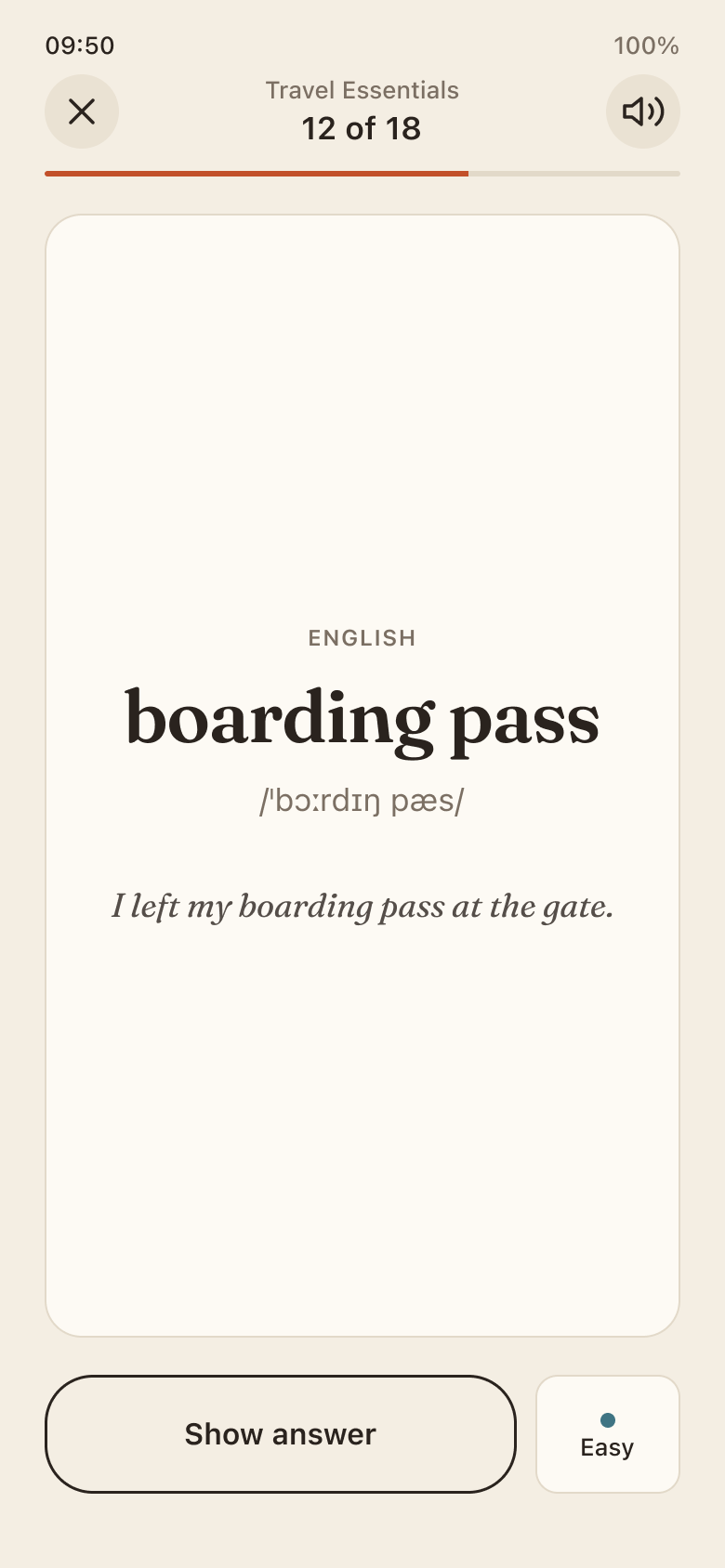
Try a card
This is the whole routine.
See the word, say it in your head, flip the card and tell the app how it went. That answer decides when the card comes back.
A sample card. In the app the schedule adapts to every answer you give.
boarding pass
How it works
Three steps, then the schedule runs itself.
- 01
Make a set
Pick the language you learn and the language you know. Every set keeps its own pair.
- 02
Add words
A word, a translation, done. Or name a topic and let AI draft the set; you review every card before saving.
- 03
Review what is due
The app picks today's cards. Answer Repeat, Hard, Normal or Easy and the next date adapts to you.
What you get
Everything a word needs to stick.
Spaced repetition
Each card comes back right before you would forget it. You review less and remember more.
AI-drafted sets
Describe a topic and a level, get a ready set to review and edit. Nothing is saved until you approve it.
Pronunciation audio
Hear every word spoken, on the card and in the list.
Both directions
Study word → translation and translation → word in the same set.
Daily reminder
One notification at the time you choose, only on days with cards due.
Works offline
Everything is saved on your device first and syncs to your account when you are online.
Made to feel like paper
Only what is due today. Nothing else on the table.
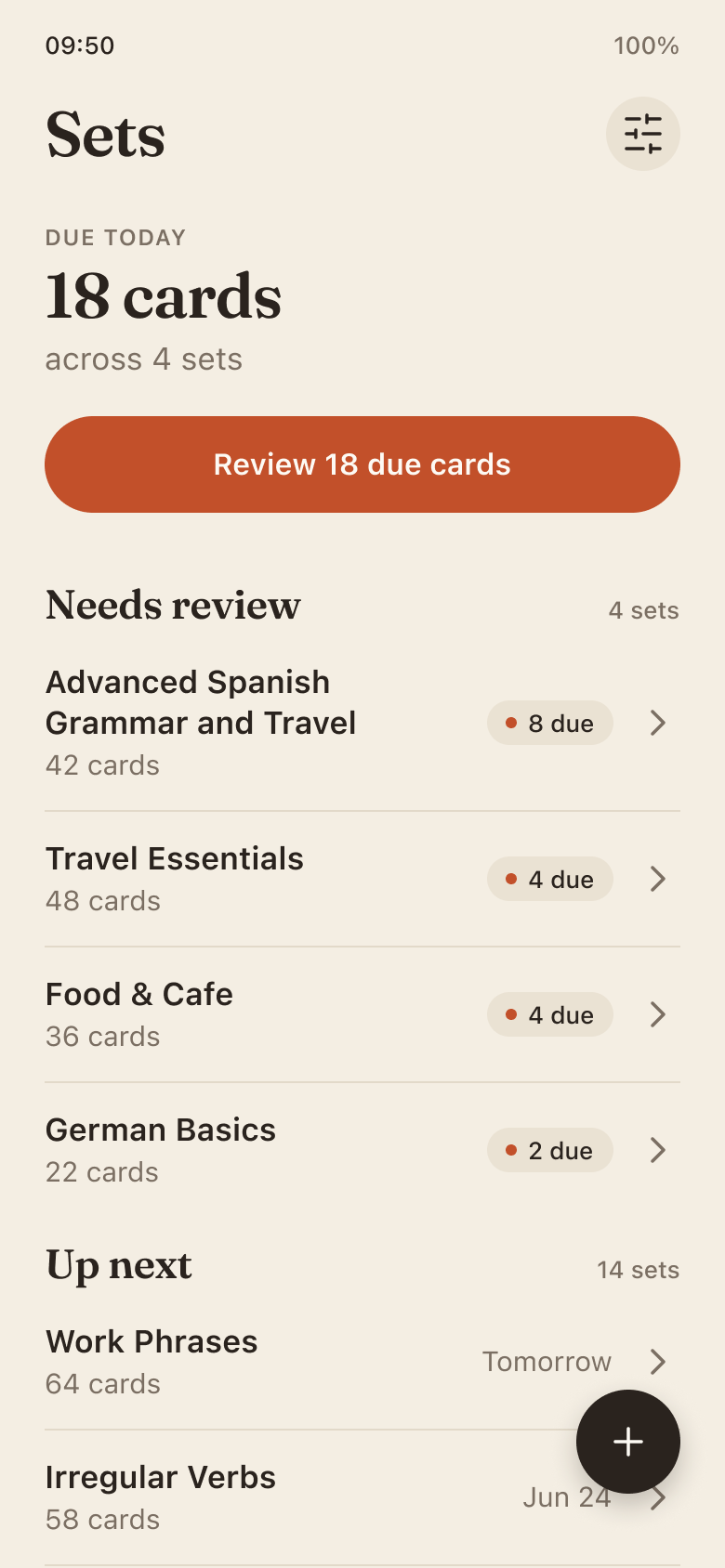
18 cards due, not 480 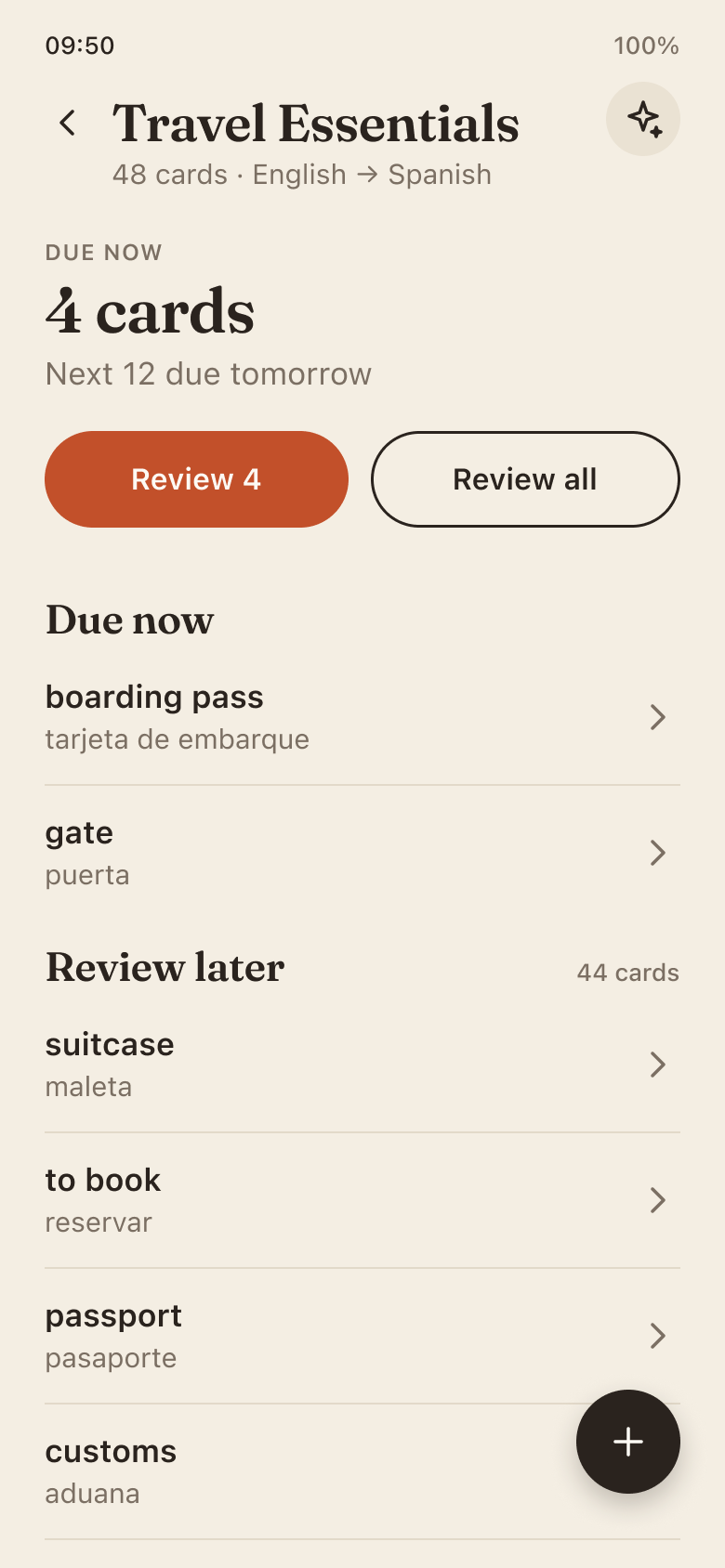
Every set knows what is next 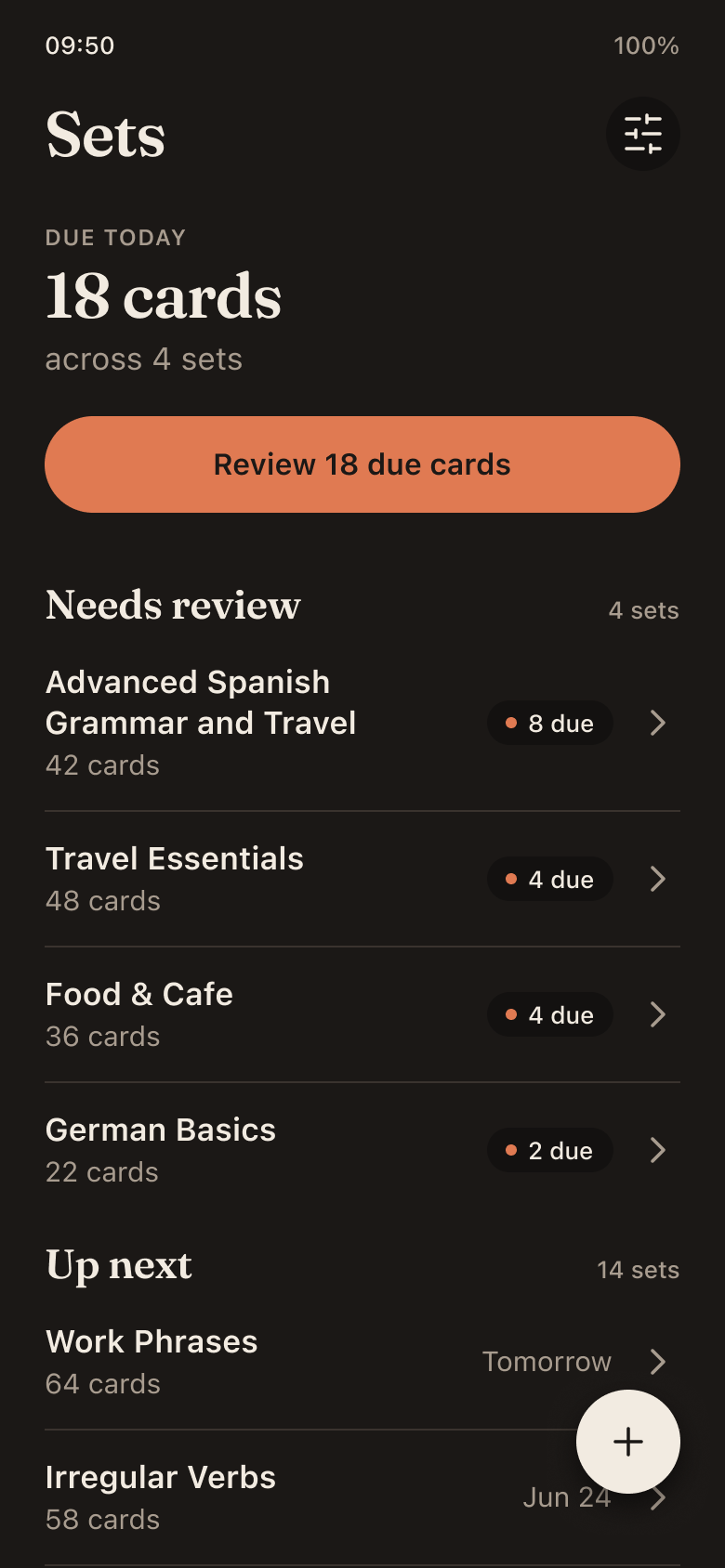
A dark mode that still feels like paper
Questions
Good to know before you start.
How does spaced repetition work?
Every answer sets the next review date. A card you find easy comes back after weeks, a hard one tomorrow. Each day you see only the cards that are due, right before you would forget them.
Is MioCards free?
You can start for free. MioCards Pro adds more AI-drafted cards and HD voice. It is optional and billed through the App Store or Google Play.
Do I need an account?
No. The app creates an anonymous account on first launch. If you want the same sets on another device, sign in with Apple or Google.
How is it different from other flashcard apps?
MioCards is built for words. A set holds a language pair, every word can be spoken aloud, and the app shows only what is due today. There are no add-ons and no deck options to tune.
How do AI-drafted sets work?
Name a topic and a level and get a draft in under a minute. You review and edit every card, and nothing is saved until you approve it. To draft cards, the topic you enter is sent to a third-party AI provider.
Does it work offline?
Yes. Your sets live on your device first, so you can study without a connection. Answers sync to your account when you are back online.
Privacy
No sign-up. No e-mail.
MioCards creates an anonymous account for you. Your words live on your device first and sync when you are online. You can delete the account and all its data from Settings at any time.
Read the privacy policy →Remember by heart.